Infinite canvas AI tools for architects.
Architecture is spatial. Your AI workspace should be too. Nuit abandons the linear chatbox and moves concept generation to an infinite canvas — a branching exploration tree where you organize, compare, and trace every design decision the way architects actually think.
What is an infinite canvas AI tool for architects?
An infinite canvas AI tool replaces the linear scrolling chatbox with an open 2D workspace where generations appear as a visual tree. You branch from any image, organize concepts spatially, and see the whole project at a glance.
The text-prompt chat interface is excellent for writing code or drafting emails, but it is fundamentally flawed for spatial design. Tools like Nuit move architectural concept generation onto an expansive canvas that reflects how designers actually think — in relationships between site, massing, plan, and interior, not a straight line.
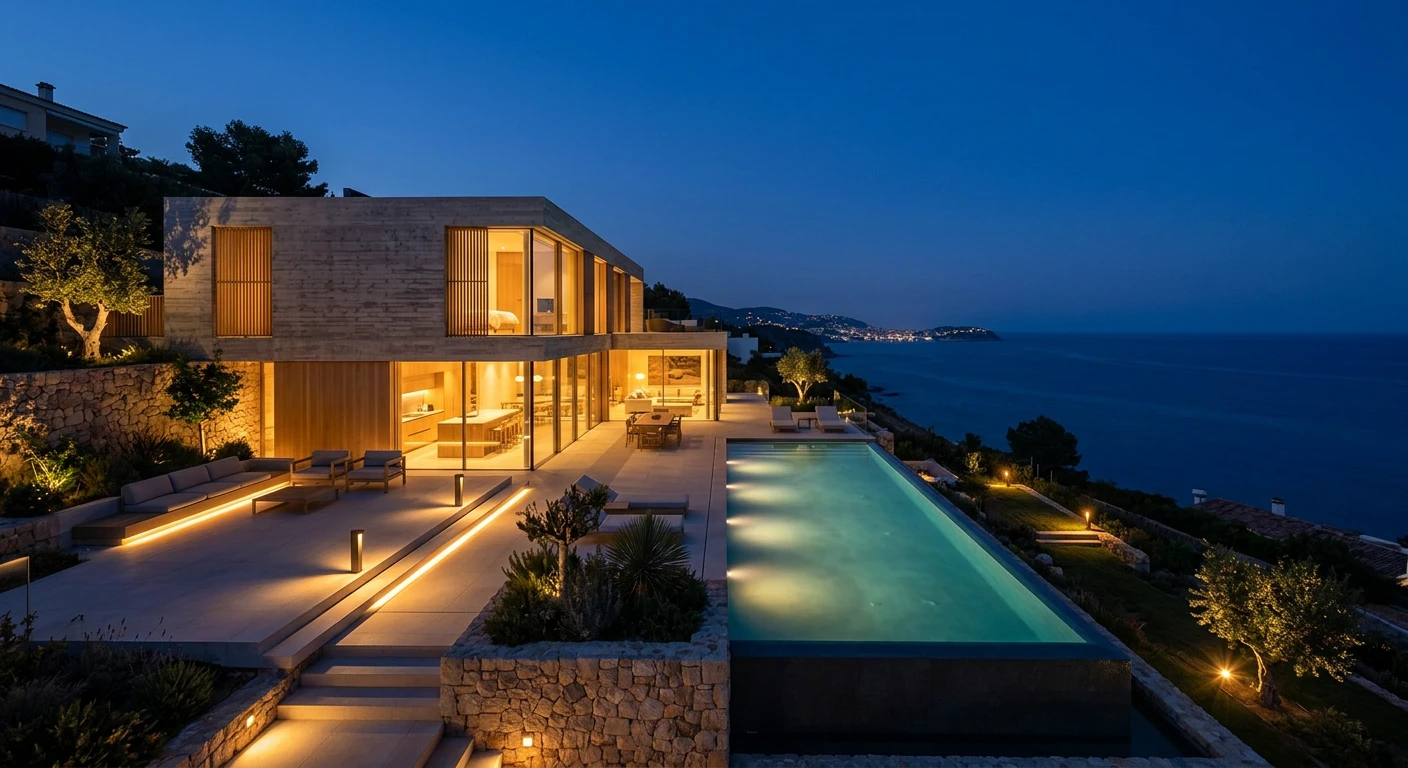
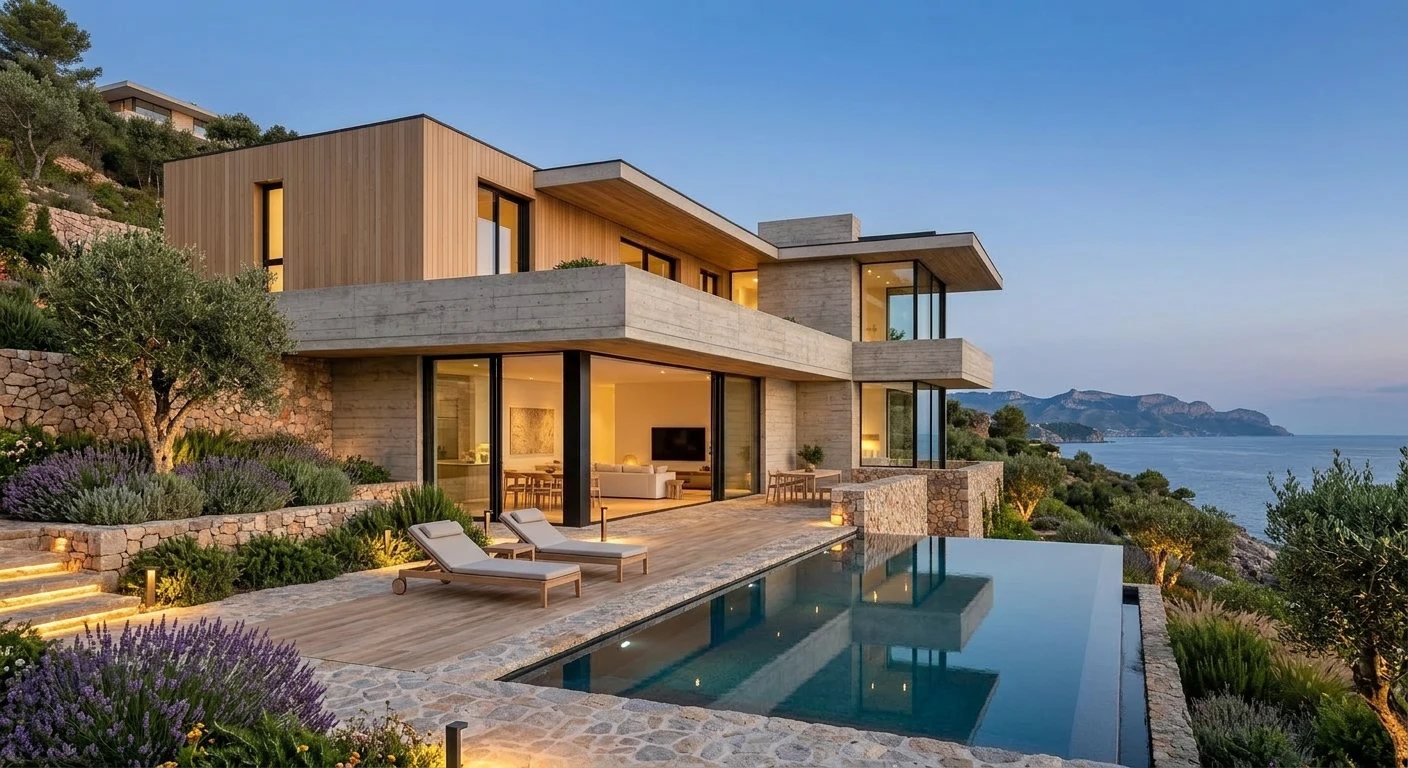
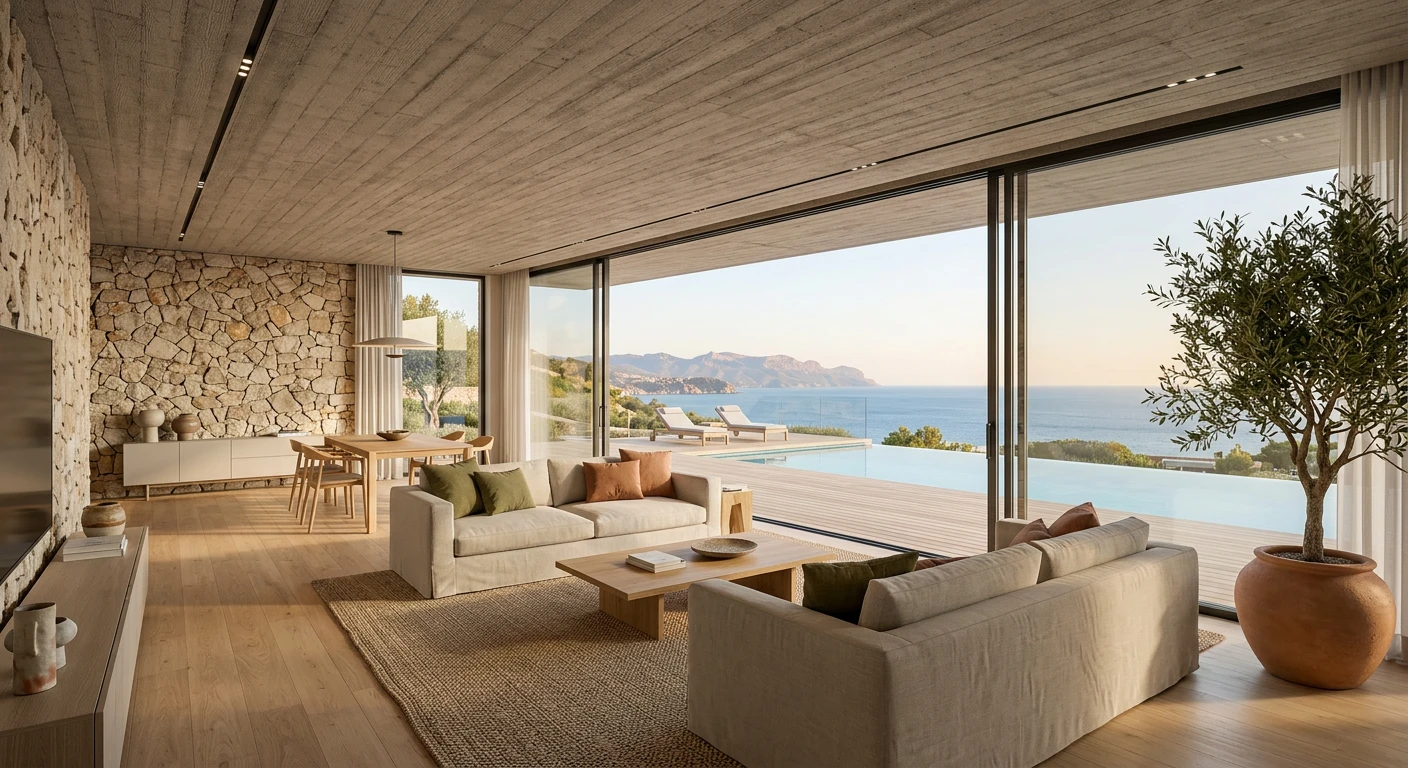
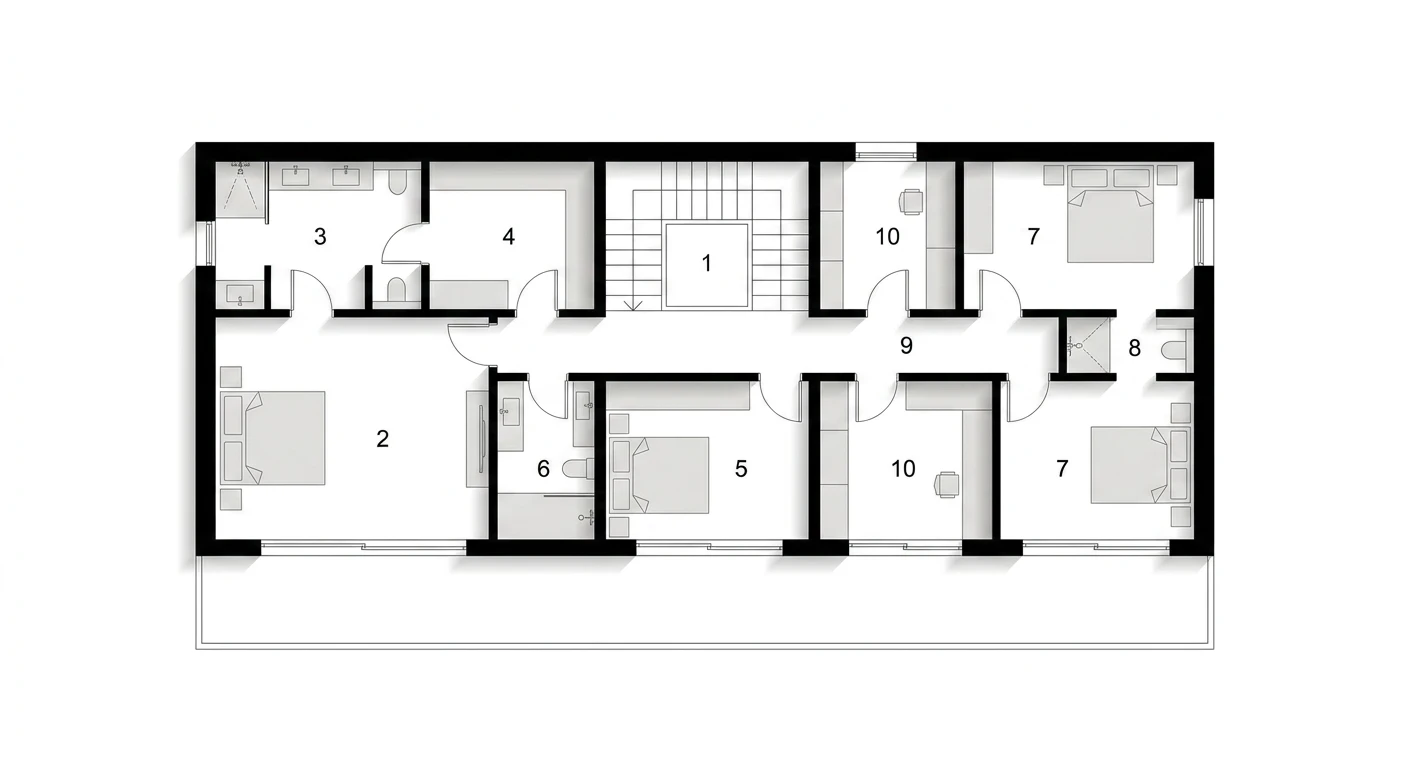
One project, branched across every mode.
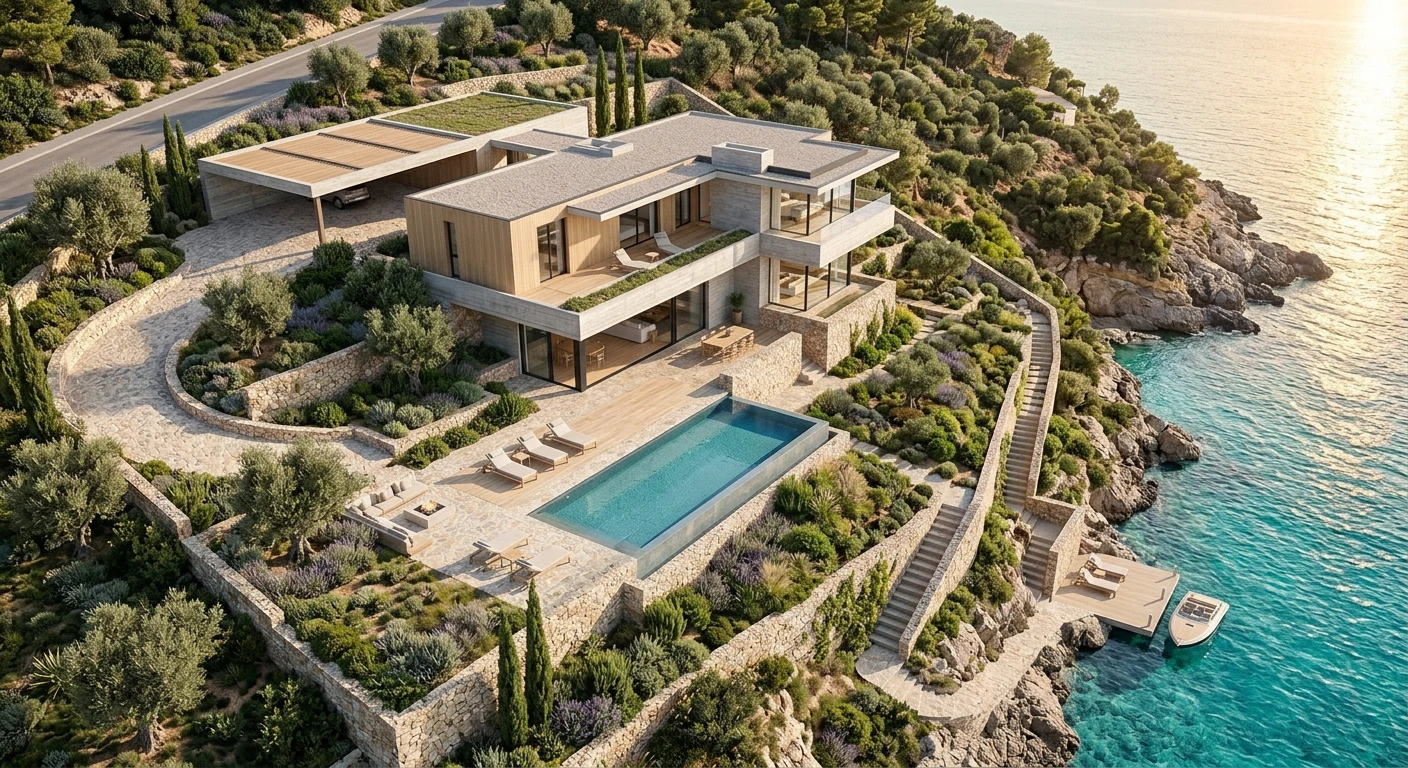
Group generations geographically and the board becomes the holistic project view — masterplan, exterior massing, floor plan and interiors, all connected as one exploration tree instead of a vertical feed.
Why is a linear AI chatbox bad for spatial design?
Three structural problems appear in every architectural workflow that runs inside a scrolling chatbox.
The scroll trap
You enter a prompt, the AI returns four images, you tweak — and the previous ideas get pushed up the screen. Tweak again and earlier concepts vanish further up the feed. Before long your entire design process is trapped in a vertical scroll, and your best early directions are buried where you will never scroll back to them.
The context deficit
Comparing your current iteration with an idea you had 20 prompts ago becomes a frustrating exercise in scrolling and searching. You lose the visual context of the project’s evolution, and when you can’t see your design lineage you can’t make informed comparative decisions.
Restarting instead of building
Without a visible tree of where each concept came from, designers end up constantly starting over rather than building upon their successes. The linear feed actively discourages the iterative, comparative thinking that good architecture depends on.
Design on an infinite canvas, not in a scrolling feed.
A chatbox treats the AI like an oracle you query for an answer. A canvas treats it like a co-designer you iterate with on the table. For a discipline defined by spatial relationships, the difference is structural, not cosmetic.
How does an infinite canvas change the workflow?
Architects already use infinite-canvas interfaces every day — Miro for research, Figma for presentations, Morpholio for sketching. An AI canvas brings that same spatial freedom to the concept phase.
Visual exploration trees
Generation is a tree, not a list. Start from a central brief node, branch from the concept you like, and new variations sprout visually outward from that exact node. Run a Brutalist concrete facade in one branch and a Wabi-Sabi timber exterior in another, and watch both grow side-by-side without ever losing a concept.
The holistic project view
See the entire project at a glance. Group generations geographically: masterplans top-left, exterior massing in the center, interior moodboards to the right, floor plans at the bottom. Nothing is isolated — the relationships between parts of the project stay visible on one board.
Client presentations, simplified
Because everything is organized visually, the canvas becomes the presentation. No exporting 50 images to InDesign — just pan across the board with your client, walking them from the exterior into the plan and through the interiors, showing the alternative branches you explored along the way.
Shorter prompts, held by connection
On a canvas with visual branching you don’t need a flawless 300-word mega-prompt. Because you branch from an existing image, context is held in the visual connection, not the text length — so prompts stay short, conversational, and focused on the one change you want.
Infinite canvas vs linear chatbox: how do they compare?
| Capability | Infinite canvas (Nuit) | Linear chatbox |
|---|---|---|
| Layout of generations | Open 2D tree | Vertical scroll feed |
| Branch from any image | Yes — visual tree | No — append to feed |
| Compare concept from 20 prompts ago | Glance left or right | Scroll and search |
| See whole project at once | Yes — pan and zoom | No |
| Parallel directions side-by-side | Yes — separate branches | Interleaved in one stream |
| Design lineage visible | Yes — connected nodes | Lost in scroll history |
| Prompt length needed | Short — context held visually | Long mega-prompts |
| Doubles as client presentation | Yes — pan across board | No — export required |
The honest read: a chatbox treats the AI like an oracle you query for an answer. A canvas treats it like a co-designer you iterate with on the table. For a discipline defined by spatial relationships, the difference is structural, not cosmetic.
What does a real infinite-canvas workflow look like?
A typical day-to-day concept session, step by step.
The seed. Drop a text prompt anywhere on the blank canvas describing the core vibe — “a brutalist art gallery nestled into a rocky cliffside.” The AI generates a cluster of images. That cluster is your seed.
Spatial organization. Drag the best exterior to the center. Notice a fascinating interior in the background of a rejected concept and drag it to the right to start an “Interiors” cluster. The board starts mapping your thinking.
Targeted branching. The exterior is too harsh. Click it, hit branch, type “soften the edges, add climbing ivy and warm sunset lighting.” New nodes appear connected to the original, so you glance left and right to compare harsh midday concrete with softened twilight.
Cross-pollination. Because everything is visible, ideas from one part of the project influence another. Zoom out to the masterplan cluster, realize the gallery needs a public plaza, pan back to the exterior branch, and add the plaza to the next iteration.
Infinite canvas, in short
- What is an infinite canvas AI tool for architects?
- An infinite canvas AI tool replaces the linear scrolling chatbox with an open 2D workspace where generations appear as a visual tree. Architects branch from any image, organize concepts spatially, and see the entire project at a glance instead of scrolling through a vertical feed.
- Why is a linear AI chatbox bad for architectural design?
- Architecture is spatial and non-linear, but a chatbox forces every iteration into a vertical scroll. Comparing your current concept with an idea from 20 prompts ago means scrolling and searching, so you lose the visual context of how the project evolved and end up restarting instead of building on successes.
- What is branching exploration in AI architecture tools?
- Branching means generation forms a tree rather than a list. You start from an initial brief, and when you like a concept you select it and branch new variations directly from that node. You can grow two different directions side-by-side and trace the lineage of every design decision.
- How is an infinite canvas like Miro or Figma for architects?
- Architects already use infinite-canvas tools like Miro for research, Figma for presentations, and Morpholio for sketching. An AI infinite canvas brings that same spatial freedom to concept generation, so the interface feels familiar rather than forcing designers into an unfamiliar linear feed.
- Can an infinite canvas show a whole architecture project at once?
- Yes. You can group generations geographically on the board: masterplans top-left, exterior massing in the center, interiors to the right, floor plans at the bottom. The canvas becomes the holistic project view, and panning across it can even serve as the client presentation.
- Does branching from images reduce the need for long prompts?
- Yes. Because context is held in the visual connection between nodes rather than in text length, prompts can stay short and conversational. You branch from an existing image and describe only the change you want, instead of writing a flawless 300-word mega-prompt.
Related reading
Design on an infinite canvas, not in a scrolling feed.