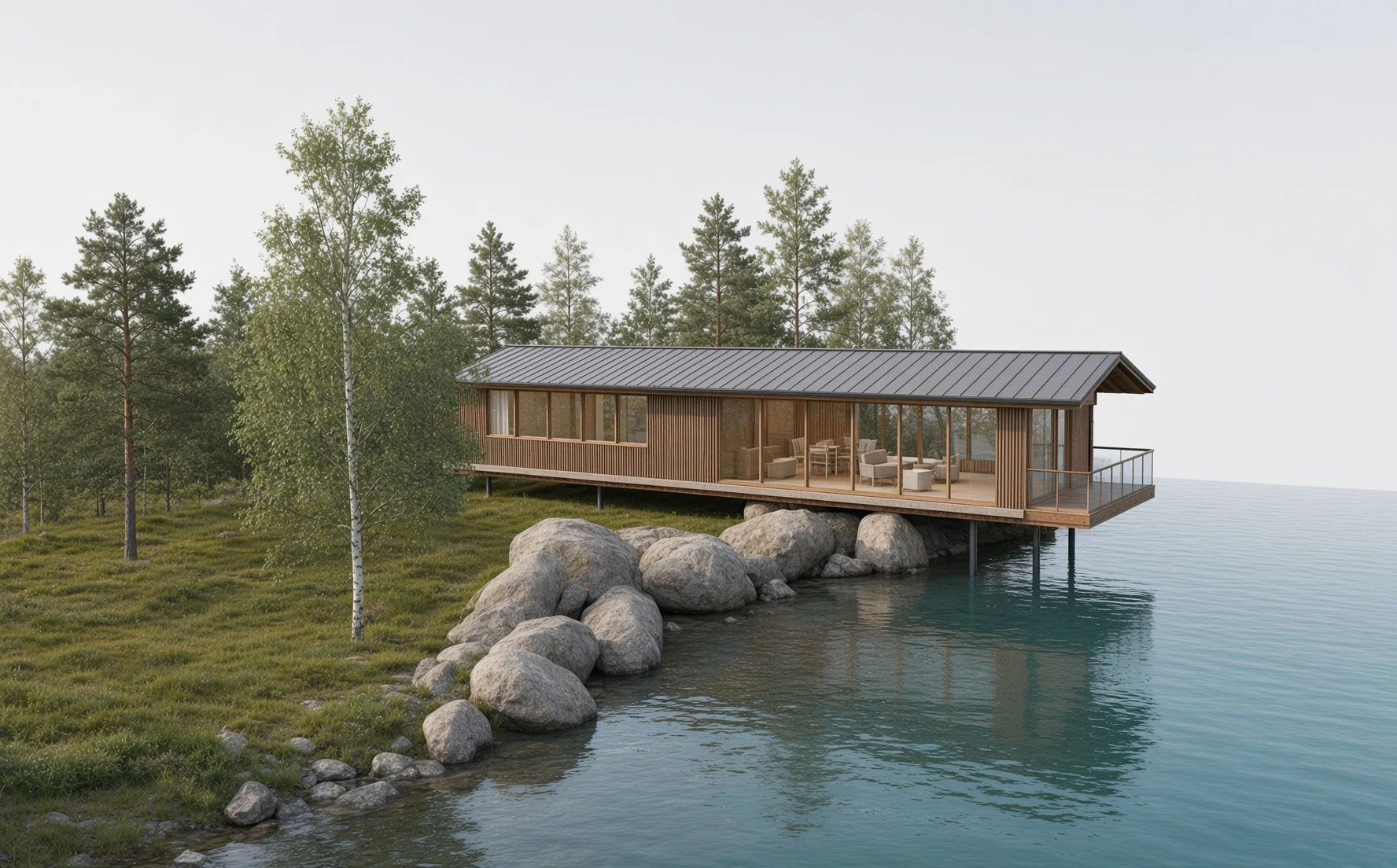
The complete concept design pipeline — from a written brief to a model in Revit.
Brief, exteriors, plans, interiors, site, a parametric 3D model and its sections — one project, kept consistent at every step. Change the form by words; export to Revit, Archicad or AutoCAD.
A concept image of Mirror Lake House. Scroll on: the same building as a model, then cut open.
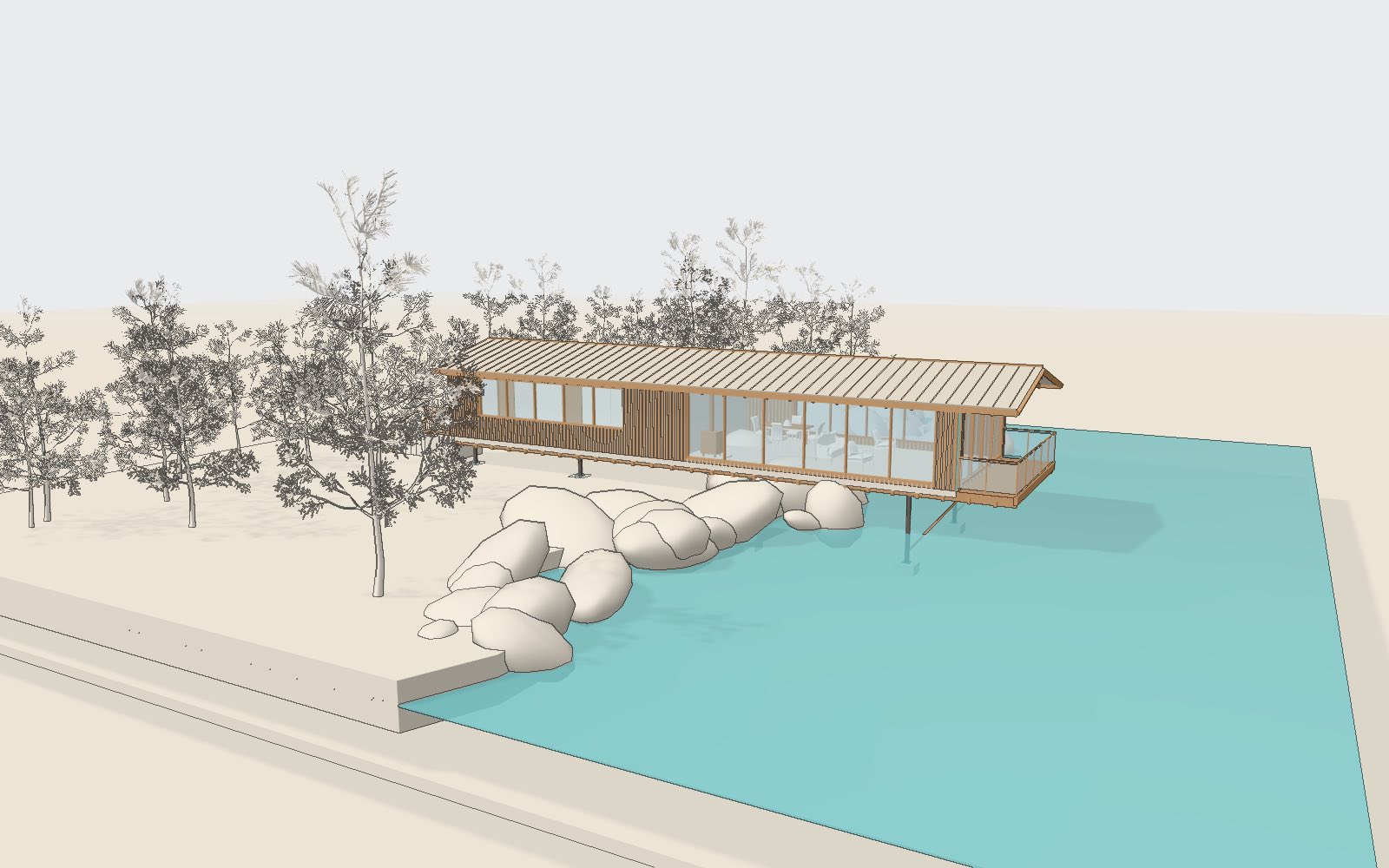
The same building, as a model.
Walls, openings, roof and structure as real elements — not a mesh reconstructed from a picture. Orbit it here; in the studio you change it by words or by dragging a wall.
- IFC4
- Revit, Archicad
- DXF
- AutoCAD, Archicad
- GLB, OBJ
- SketchUp, Blender
A parametric model. Every part is yours to change.
Walls, roof, openings, stairs, furniture — each is a named element with its own parameters. Point at one to see what it is.
- Dimensions
- length, height, roof pitch, overhangs
- Materials
- cladding, roof, floors, glazing
- Objects
- furniture, fixtures, stairs, railings
- Openings
- windows and doors, size and rhythm
Change it by sliders, by dragging, or by words — the plan, the sections and the export follow.
Change the form by words. See exactly what changed.
An instruction rewrites only what it names; the rest of the model is untouched, and the plan, the sections and the export follow. Tinted: every element the edit added or reshaped, found by comparing the two versions.
- Roof carried over the lake terrace as a canopy
- Wood stove with a stone hearth
- Living room and bedroom furnished
- Three floor joists and two guard posts removed
One image is 25 credits on Nuit M, 50 on Nuit F Pro. Every plan opens all four image modes and the 3D model on one consistent project. No card to start.
From a brief to a consistent concept — and a model you can open.
No card required. Images and 3D both open.