Sequential editing: what eight edits do to one image
Eight architectural edits applied in sequence to a single generated exterior, three times — once through each of three editing engines. Every intermediate frame saved, every metric computed by script.
Open run.jsonTwo ways to fail.
- There is no winner. The two approaches fail in opposite directions, and which failure you can live with depends on what you are doing.
- Prompt-only editing always changes something, but never only what you asked for. SeedEdit lost 98% of the seed's high-frequency detail by step 8 — the image is still recognisable, but it is no longer photographic. Kontext held detail and instead walked the image 15 points darker.
- Masked inpainting held composition best of the three — camera, framing and massing are unchanged from the seed — and still did not deliver on its own promise: 89.7% of the pixels OUTSIDE the mask moved by more than 2/255 over the chain. The mask concentrates change roughly 4x; it does not isolate it.
- Recraft declined half the edits. Four of eight landed. Replacing a material that is already there works; adding an object into empty space does not.
- Kontext is the better tool if what you need is detail retention across a long chain: it beat the masked engine on that axis.
The mask concentrates the change. It does not contain it.
Comparing the final masked frame to the seed outside all eight masks: 89.7% of those pixels moved by more than 2/255 and 41.8% by more than 8/255. Mean change outside the mask was 9.55, against 40.92 inside it, a ratio of about 4.3x. Pixels outside a mask are not left identical; composition is what holds.
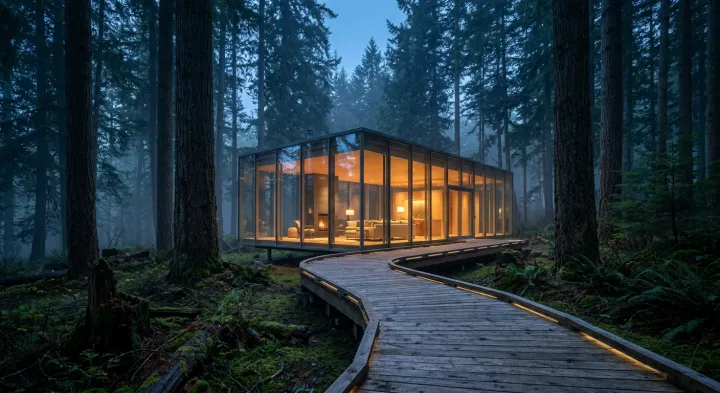
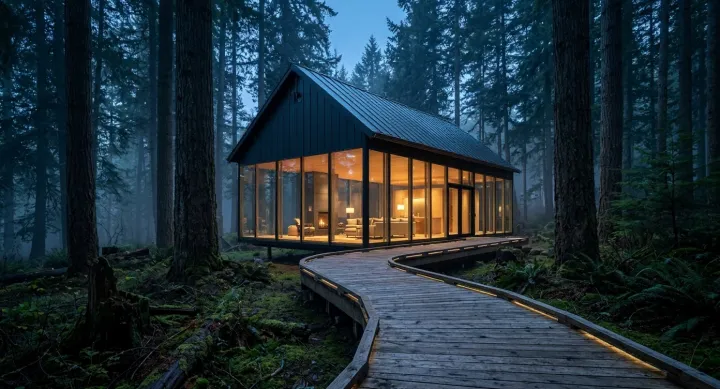
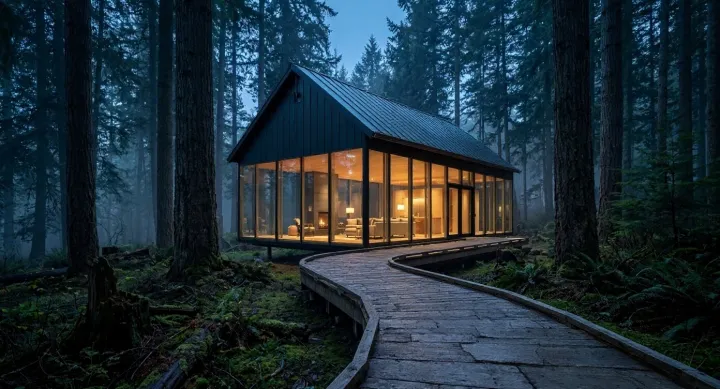
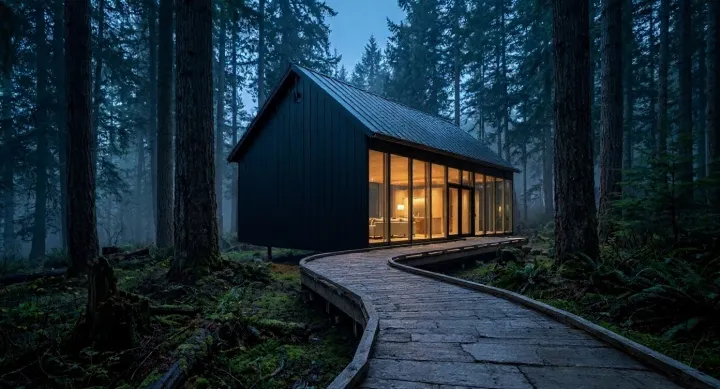
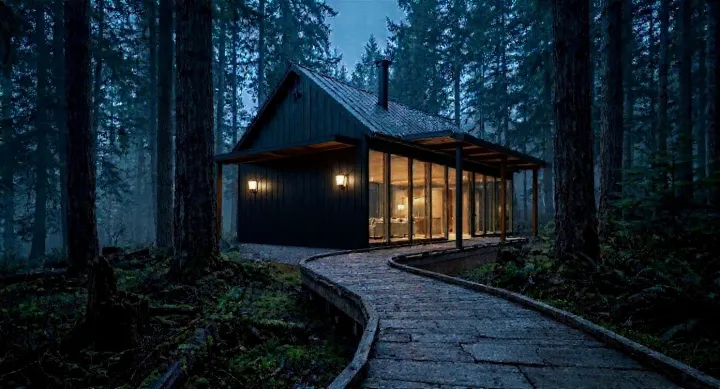
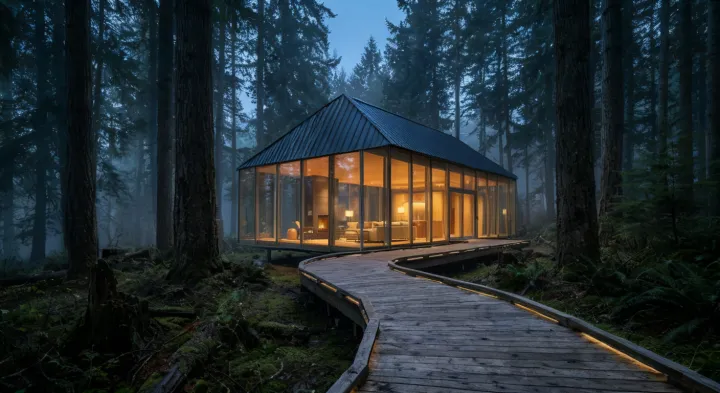
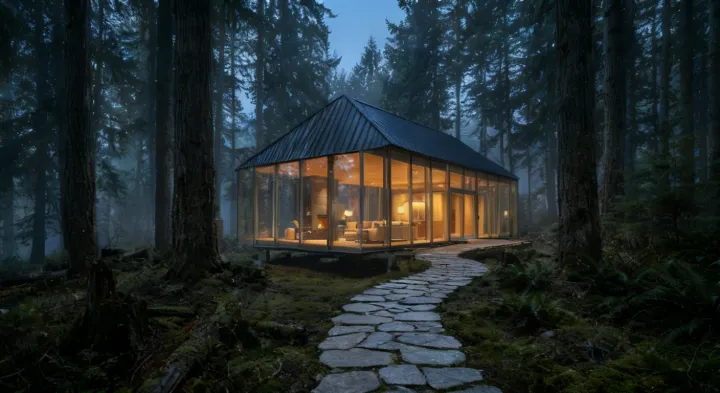
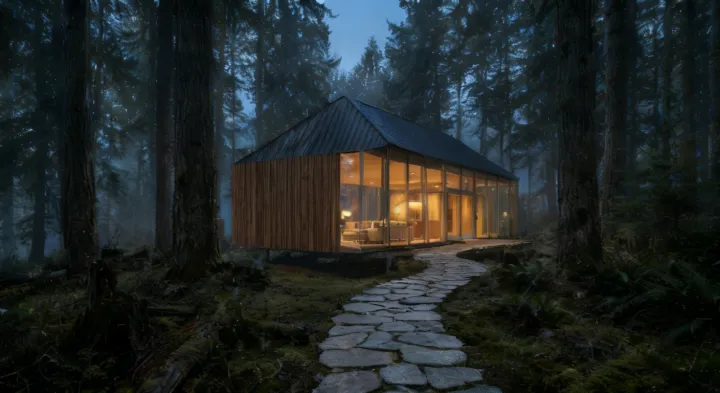
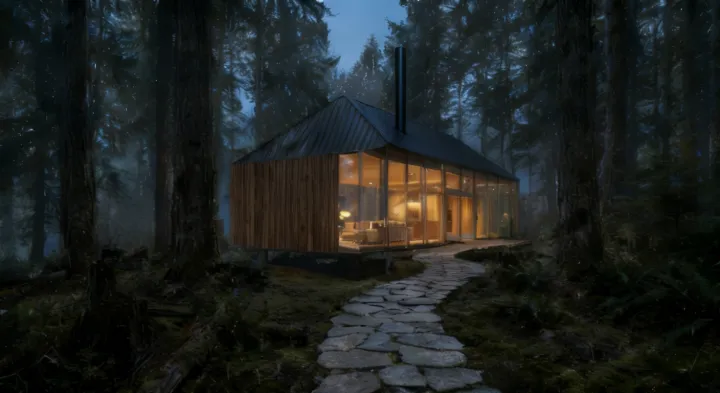
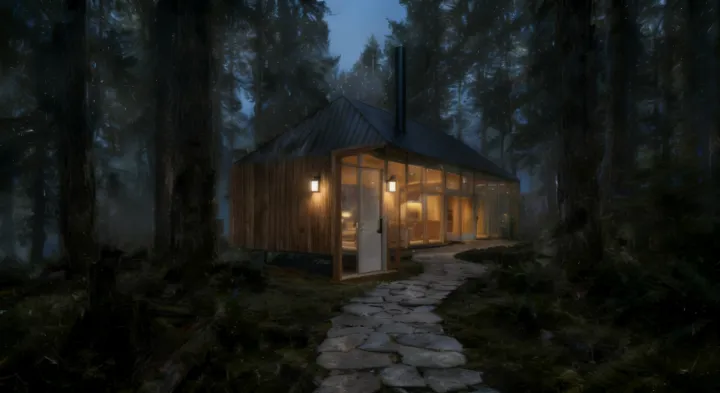
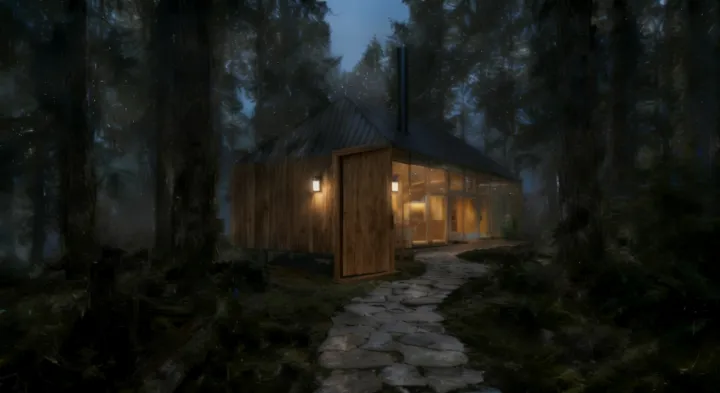
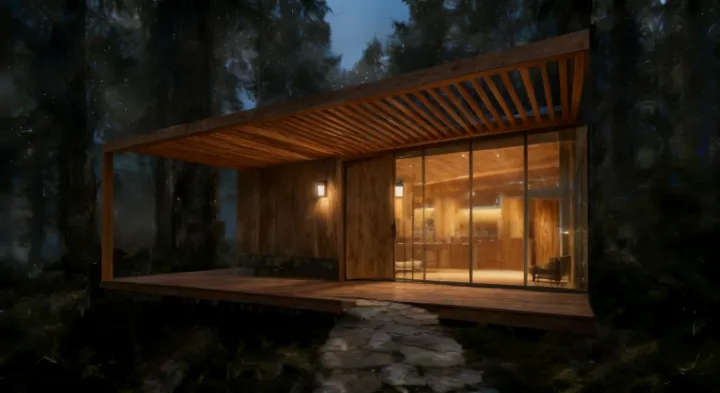
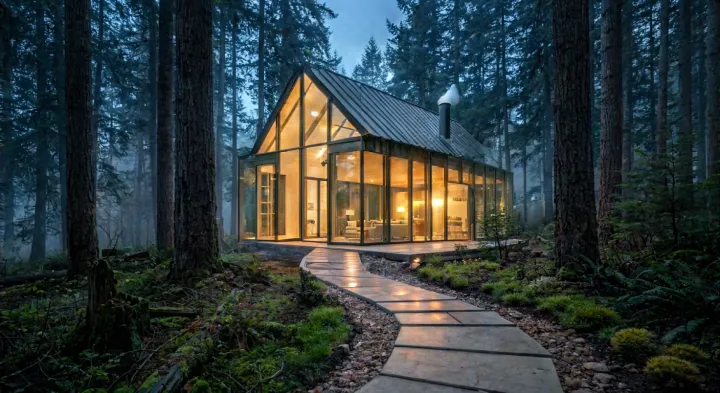
Every edit is applied to the previous output. Swipe along a row to step through.
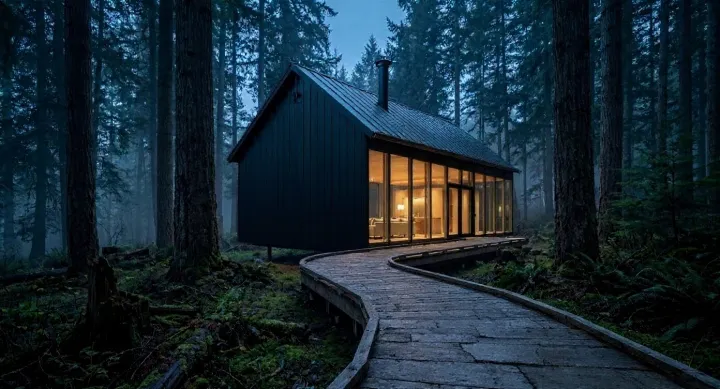
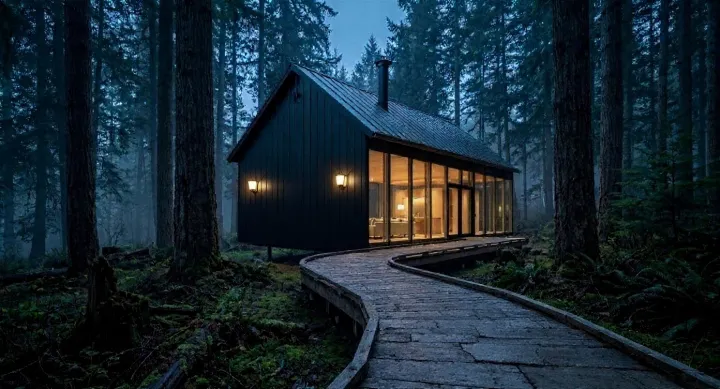
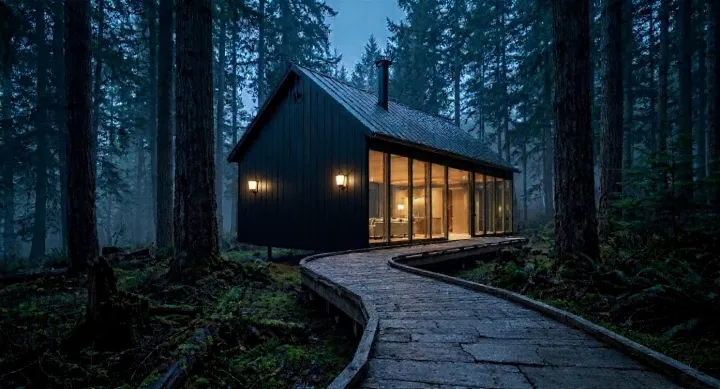
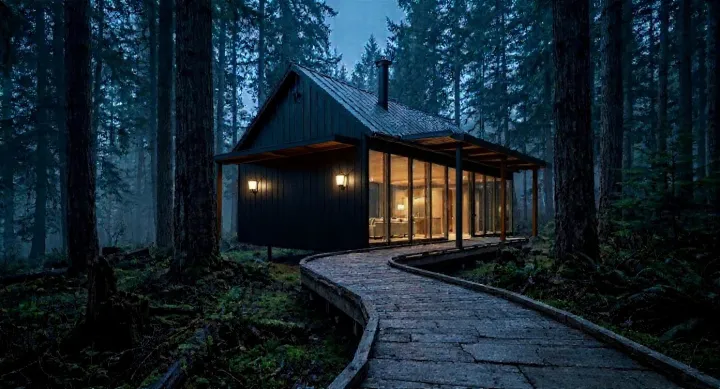
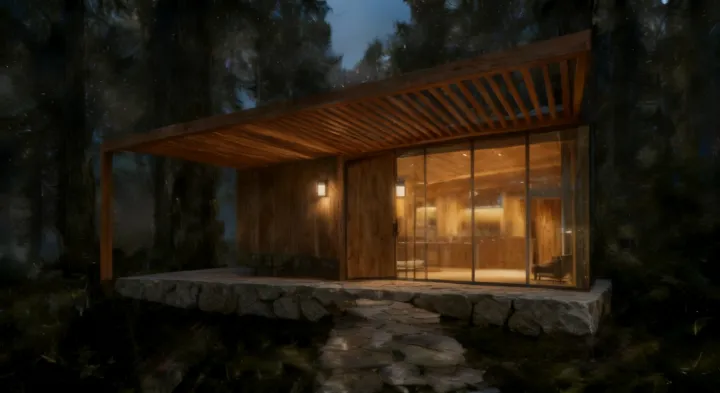
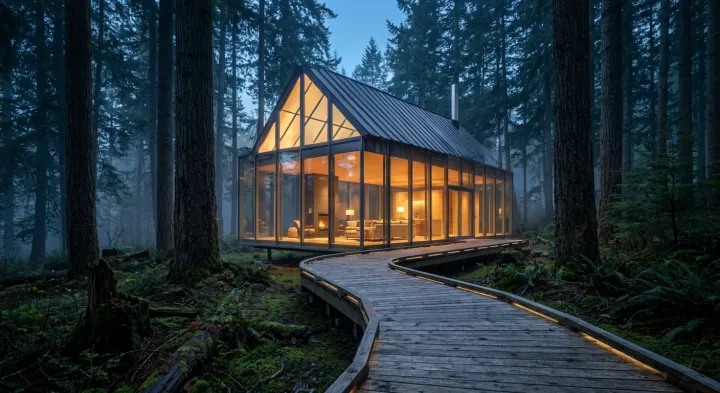
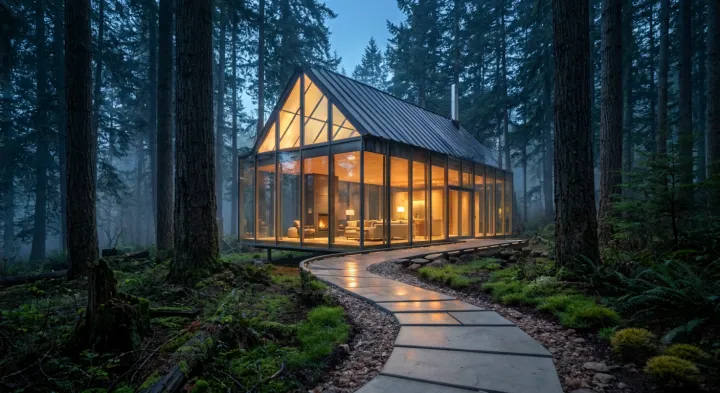
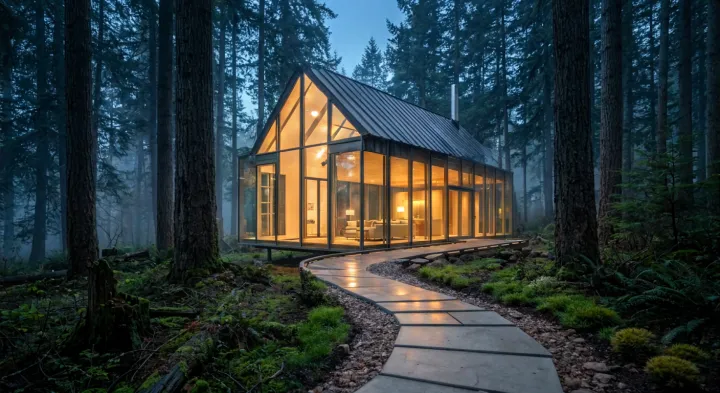
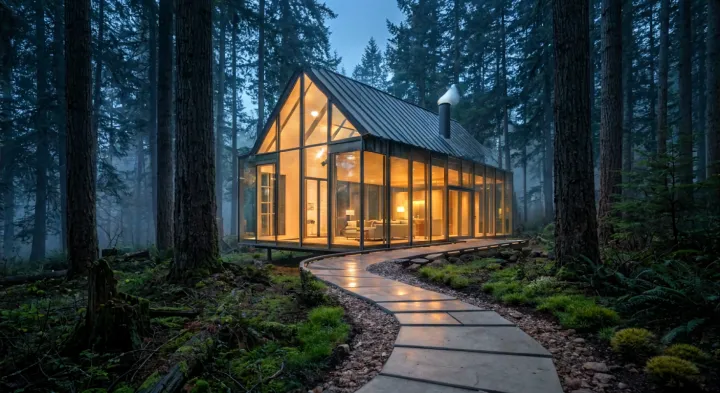
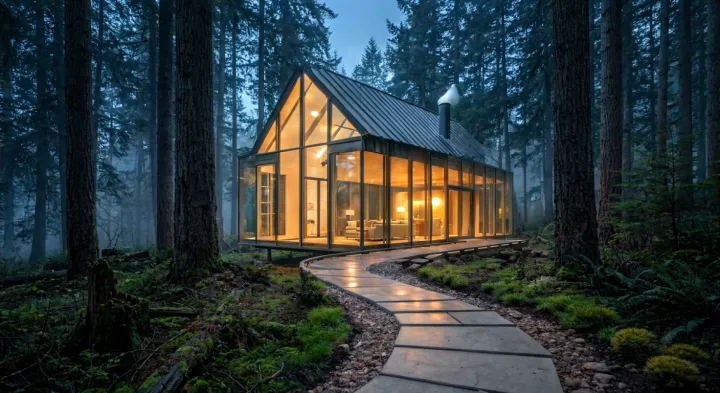
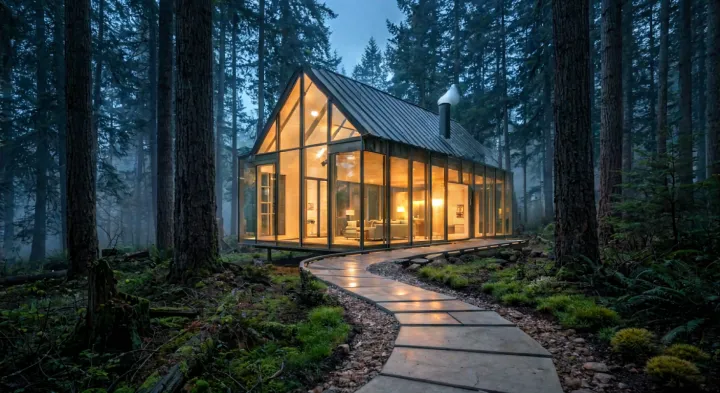
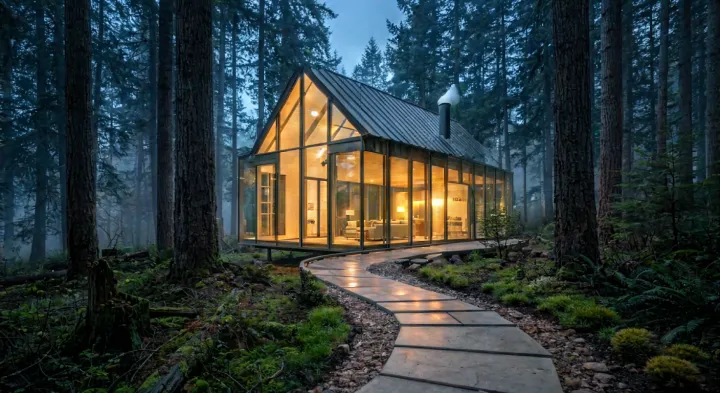
- Question
We took one generated exterior and applied eight architectural edits to it, in order, three separate times — once through each of three editing engines. Each edit was applied to the previous output, so this measures what iterating actually does to an image rather than what a single edit does.
The point is not to crown a winner. It is that the two available approaches fail in opposite directions, and knowing which failure you are buying changes how you work.
- Engines and access
-
- Flux Kontext Pro — full-frame prompt editing, Black Forest Labs (via fal)
fal.run/fal-ai/flux-pro/kontext· flux-pro/kontext, aspect_ratio 16:9, safety_tolerance 5 - SeedEdit 3.0 — full-frame prompt editing, ByteDance (via fal)
fal.run/fal-ai/bytedance/seededit/v3/edit-image· seededit v3, default parameters - Recraft inpaint v3 — mask-based inpainting, Recraft
external.api.recraft.ai/v1/images/inpaint· recraftv3, multipart image + mask
- Flux Kontext Pro — full-frame prompt editing, Black Forest Labs (via fal)
- Seed
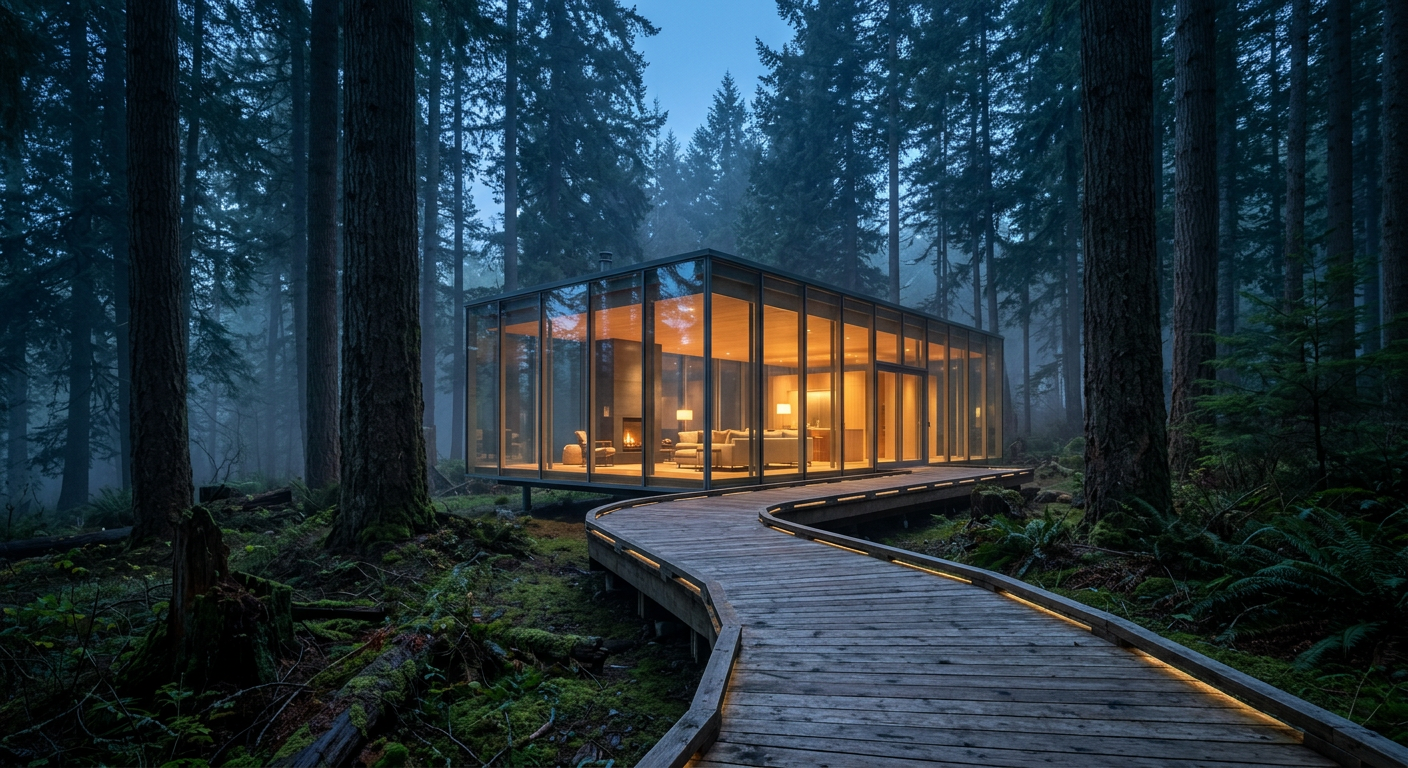
- One 1408x768 image, 8 sequential edits per engine, every intermediate frame saved.
- Measures
- Computed by
scripts/bench-metrics.pyover the saved frames. The only figure not computed by script is whether an edit landed.
- Disclosure
- Flux Kontext Pro returned a different pixel grid than the input and was resampled to 1408x768 before measurement.
- Reproduce
-
- run.json — every measurement on this page
- edit-chain-test.mjs — the harness, with the edits inline (bring your own fal and Recraft keys)
- bench-metrics.py — computes every metric
- seed.png — the original image, before any edit
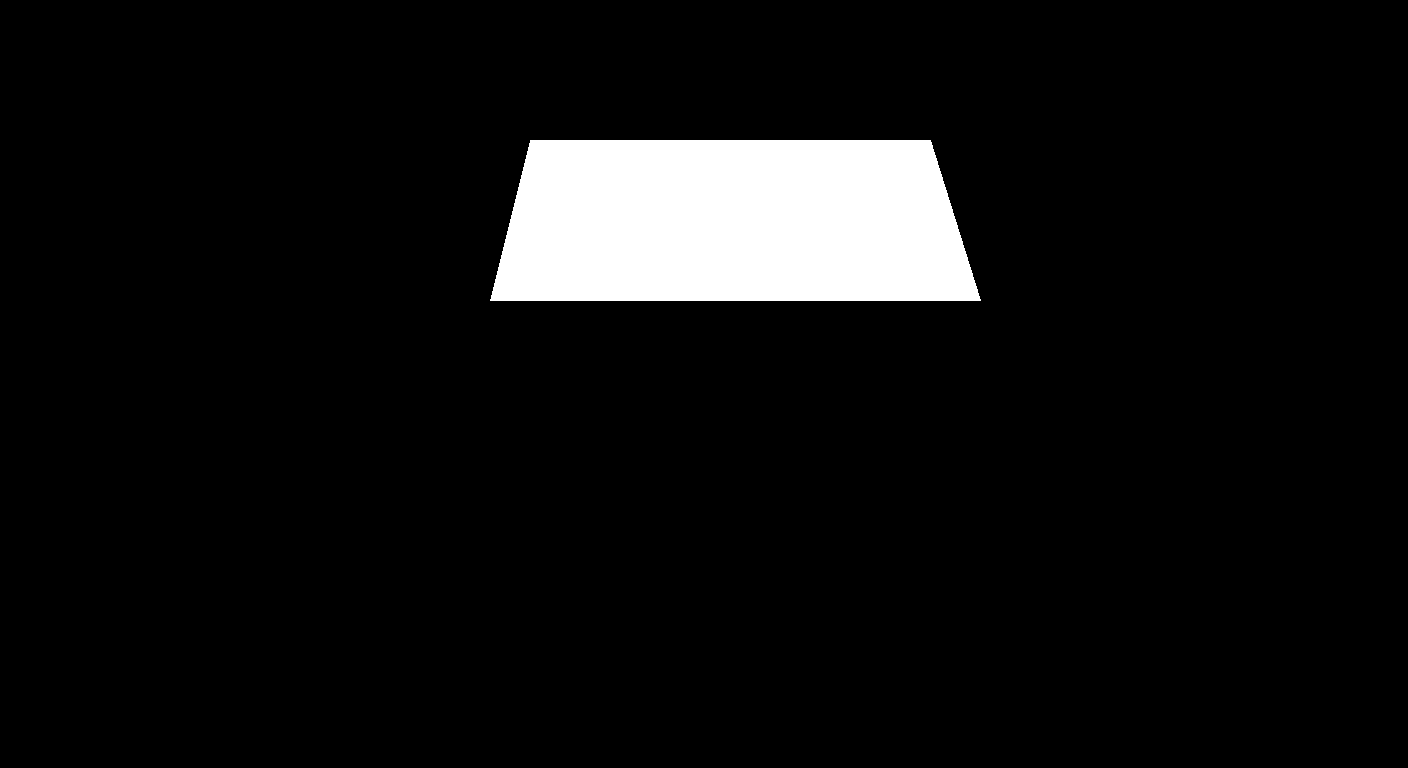
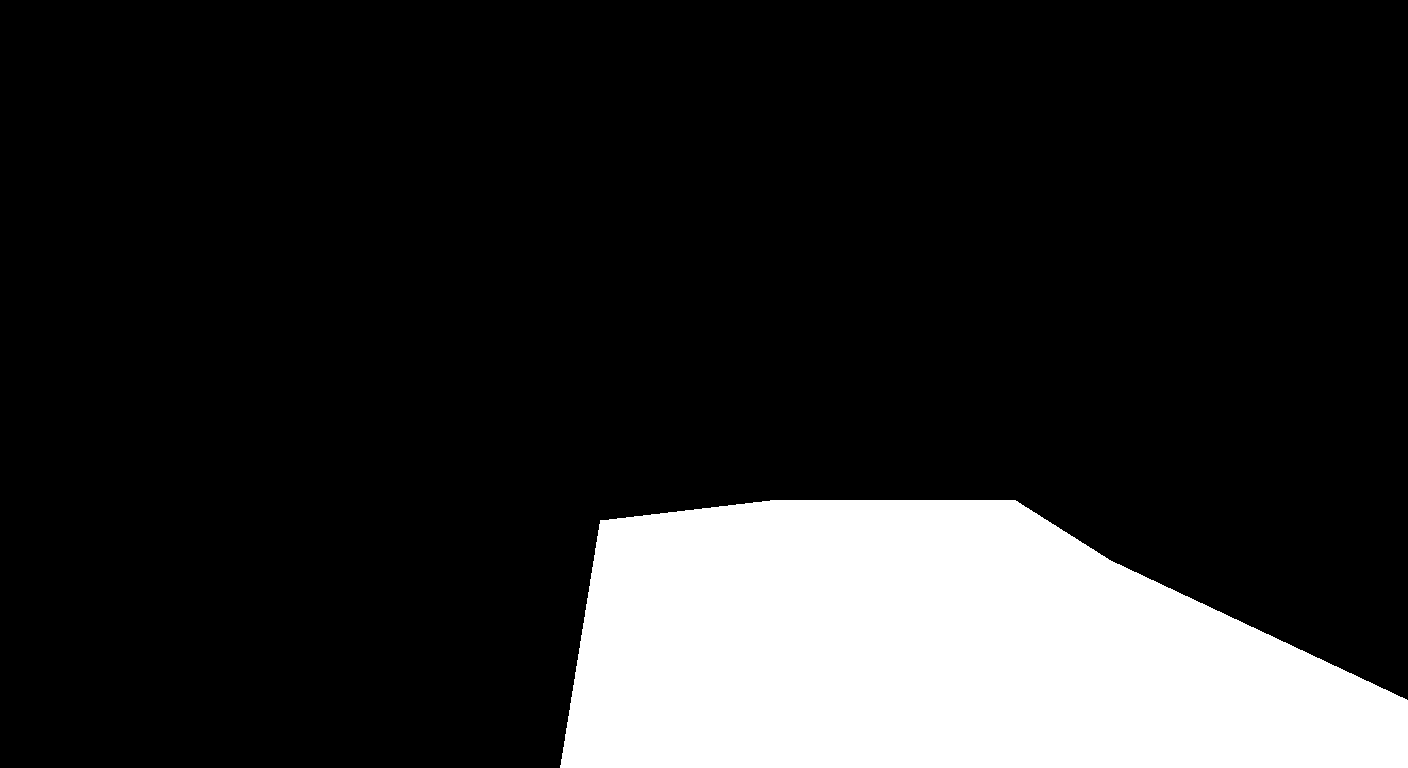
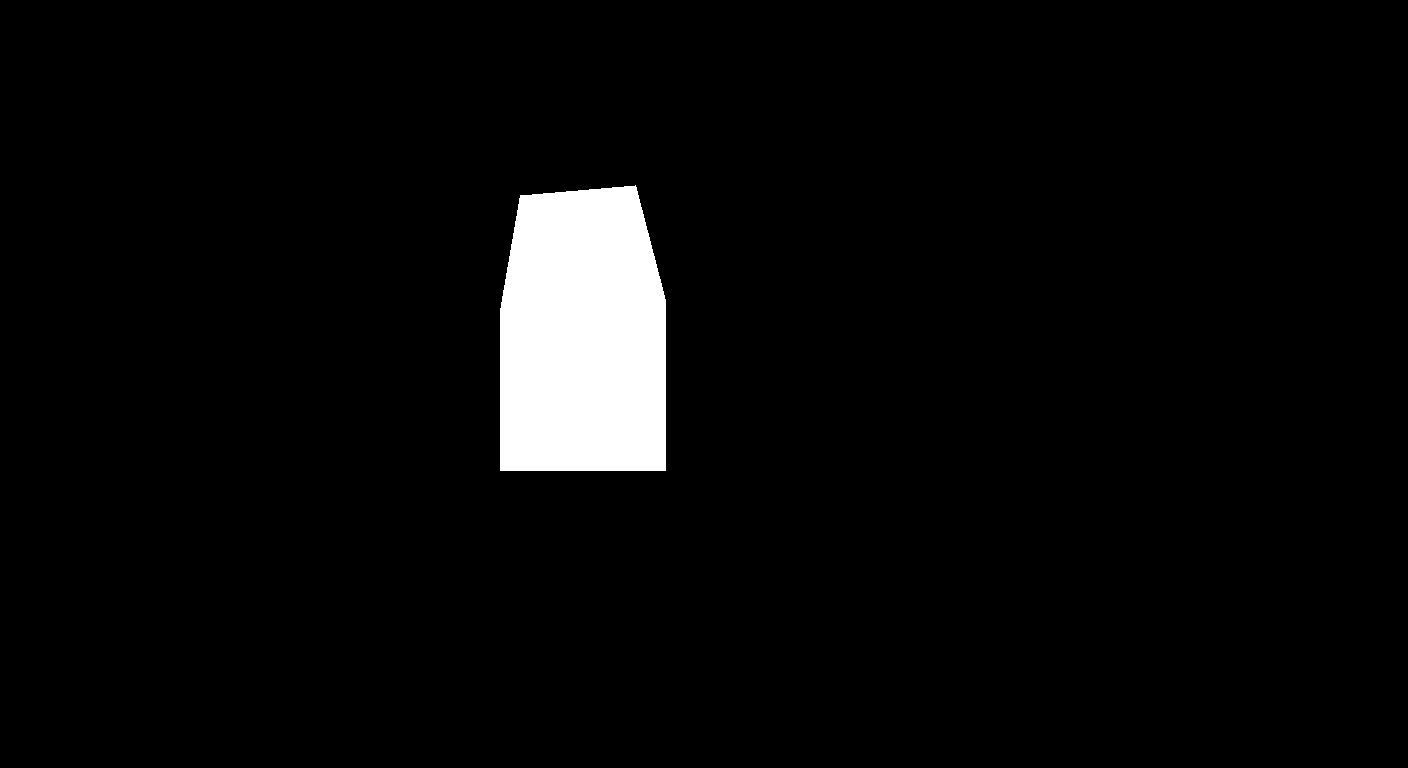
- Masks: roof, path, gable end, chimney, sconces, door, deck, base, made by make-masks.py
- Scope
A dated snapshot of three public editing engines, executed on 27 July 2026. Providers update models under the same name; figures are left exactly as the run produced them. Providers update models without renaming them, so the date, endpoint and version of everything tested are stated on the page.
The eight edits, verbatim
Which AI image editor is best for architecture?
Neither category wins outright, which is why this benchmark has no leaderboard. Full-frame prompt editors (Flux Kontext, SeedEdit) always apply a change but shift the whole image while doing it. Mask-based inpainting (Recraft) preserves composition far better but refused half of our eight edits, because it fills a region toward your prompt rather than executing an instruction. Choose by what the edit is: material swaps favour masks, scene-wide changes favour prompt editing.
How much does an AI image degrade over repeated edits?
It depends entirely on the engine, and the failure is not uniform. Measured over eight sequential edits on one 1408x768 exterior: SeedEdit 3.0 retained 2% of the seed's Laplacian sharpness, a near-total loss of fine detail. Flux Kontext Pro retained 89% of sharpness but drifted 15 points darker in mean red channel. Recraft inpaint retained 50% of sharpness and drifted 12 points warmer. Every one of those numbers is computed by a published script, not judged by eye.
Does inpainting really leave the rest of the image untouched?
No. It is a common assumption, and measuring it disproves it. Comparing the final frame to the seed outside the union of all eight masks, 89.7% of pixels differ by more than 2/255 and 41.8% differ by more than 8/255, with a mean delta of 9.55. What inpainting does preserve is composition: camera position, framing and massing hold, and the structural edge overlap with the seed stayed roughly twice as high as either prompt-only engine. Geometry holds; tone does not.
Why did the inpainting model refuse some edits?
Inpainting fills the masked region toward your prompt using the surrounding pixels as context. When the surroundings already contain the thing being replaced — a roof, a path, a plinth — the fill follows the instruction. When you ask for a new object in open space, such as a pergola over a deck or sconces beside a door, context wins and nothing appears. Four of our eight edits failed for exactly this reason.
How can I reproduce this benchmark?
Everything needed is published. The seed image, the eight prompts verbatim, the masks, the harness that ran the chains (scripts/edit-chain-test.mjs) and the script that computed every metric (scripts/bench-metrics.py) are all in the repository, and the raw per-step measurements are served as run.json next to this page. The run date and the exact endpoint and parameters for each engine are recorded above, because model versions change and an undated benchmark becomes false without anyone editing it.