A floor plan that belongs to the whole project.
Write a brief and Nuit lays out a residential or commercial plan — rooms, circulation, doors, windows, fixtures — in seconds. The exterior and interior stay coherent with it.
Start free — 300 credits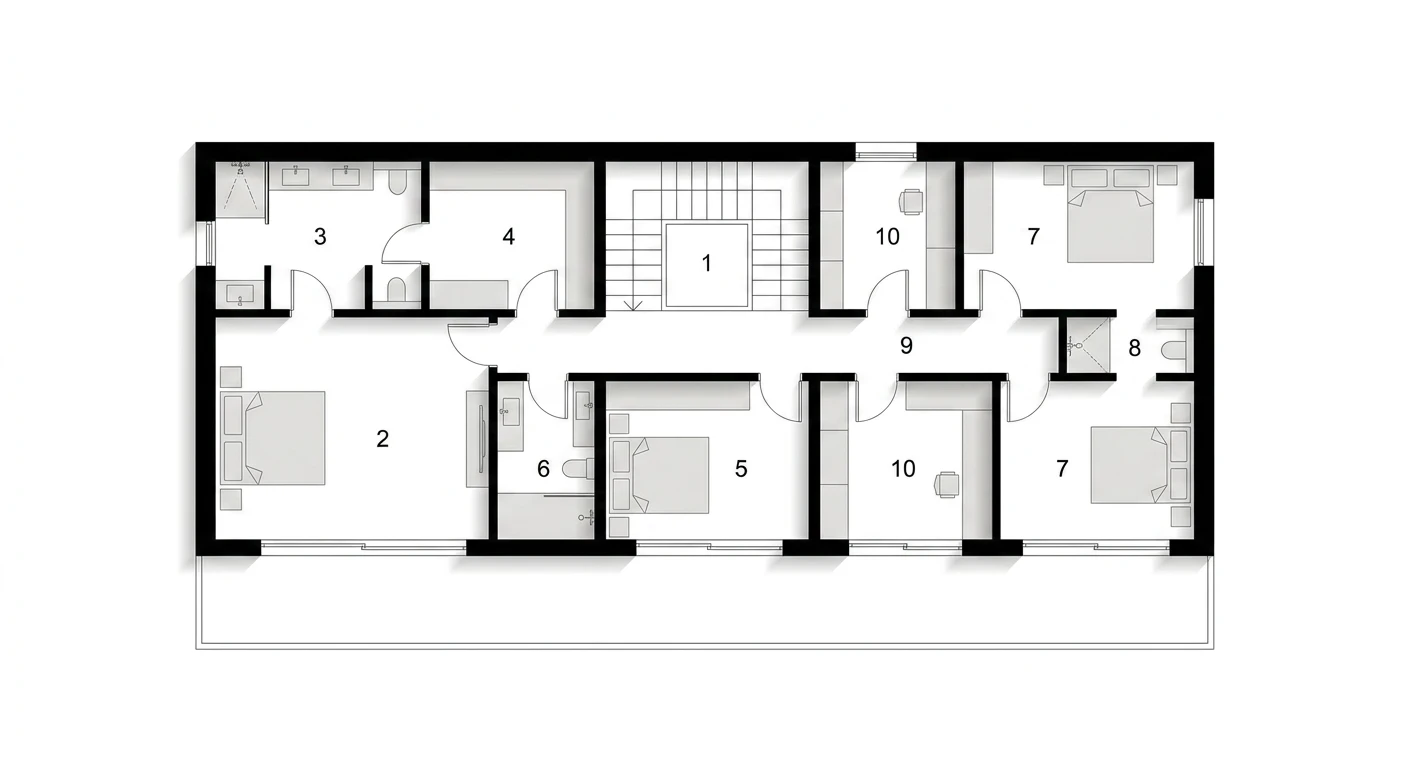
A floor plan that belongs to the whole project.
Plans are conceptual, not construction-ready CAD. Include dimensions and the model respects them; save one plan per floor and interiors build on it, level by level.
Brief or sketch in
Describe the building in plain language — bedroom count, square footage, site context, style direction, key materials. Or upload an existing sketch as the starting point.
A schematic plan out
Nuit returns a plan with rooms, circulation, doors, windows and fixture placement in seconds. Branch from any result to explore multiple variants side by side.
The plan stays linked
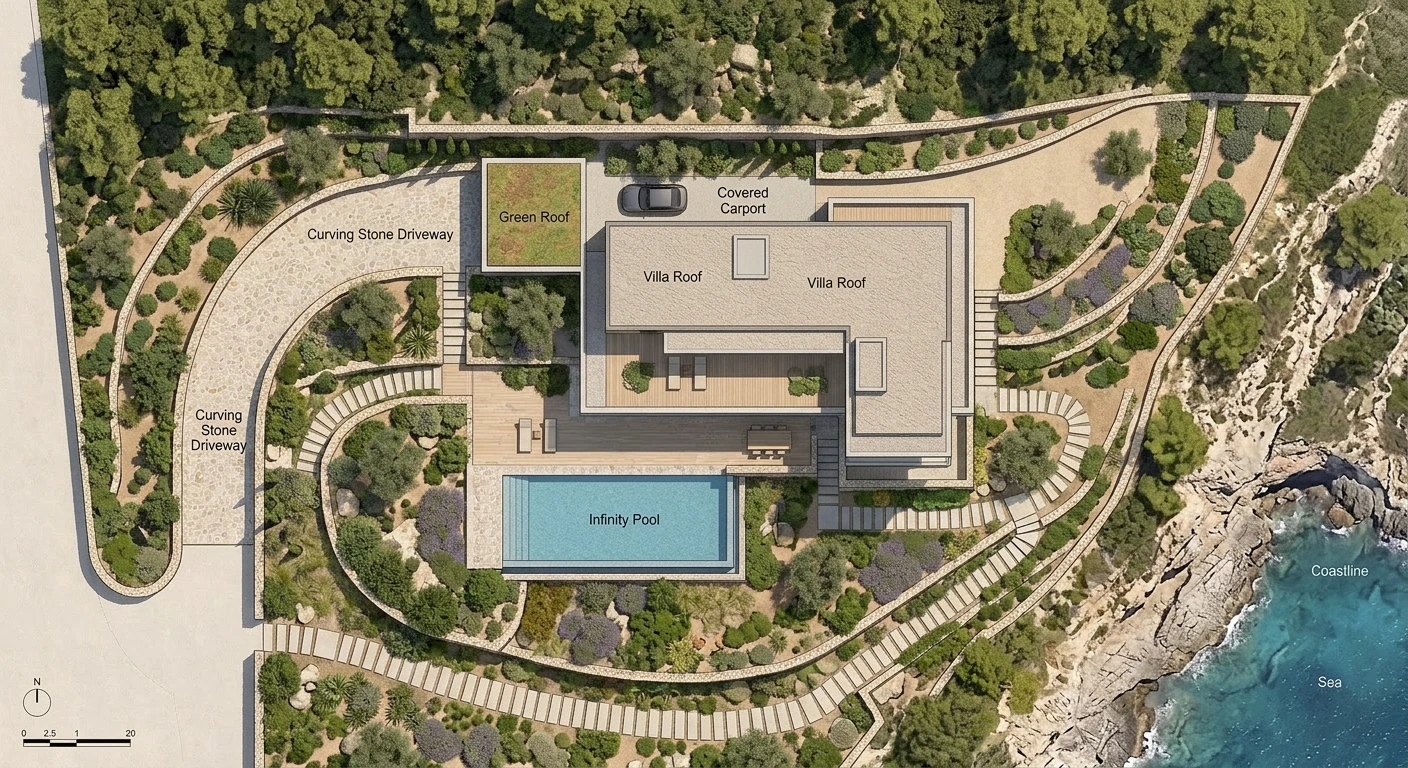
The same project generates exteriors and interiors that match the plan’s program, style and materials. Coherence across every view happens automatically.
Can AI generate floor plans?
Yes. AI floor plan generators produce schematic plans — rooms, circulation, doors, windows, fixture placement — in seconds from a written brief or dimensional inputs. Nuit specifically generates plans in project context, so the plan stays coherent with the exterior, interior, and material direction of the same project.
How accurate are AI floor plans?
Aesthetic and programmatic accuracy is high — the plan shows the rooms you described in believable arrangements. Dimensional accuracy is approximate — AI plans are concept-stage, not buildable. To construct from an AI floor plan, you still need measured drawings, structural review, and permit-grade documentation from a licensed architect.
Can I build from an AI-generated floor plan?
Not directly. The AI plan shows direction. Construction requires fully developed drawings, structural engineering, MEP coordination, code compliance, and permit approval. Nuit’s plan output is a starting point for the design phase, not a buildable construction document. See the from-concept-to-construction-drawings guide for the full pipeline.
What’s the best AI floor plan generator in 2026?
Depends on the use case. For dimensional plan exploration with strict program inputs, Maket. For whole-project work where the plan needs to match an exterior and interior, Nuit. For consumer 3D walkthrough, Planner 5D. The best-AI-floor-plan-generators listicle covers eight tools in depth.
Does Nuit generate exteriors and interiors alongside the plan?
Yes. That’s the central feature. One project produces the plan, the exteriors, and the interiors with shared style and material direction. Change the cladding on the exterior and the related interior atmosphere updates. This is the difference between a plan-generator-only tool and a connected-project tool.
How is Nuit different from Maket?
Maket is the strongest dedicated parametric floor plan generator — give it strict dimensional inputs and it produces multiple plan options fast. Nuit is the strongest whole-project tool — the plan it generates is coherent with the exterior, interior, and material palette of the same project. Many users use both: Maket for plan exploration, Nuit for the project surrounding the chosen plan.
Is the AI floor plan generator free?
Yes — Nuit offers a free tier with 300 free credits and no card required. That’s enough to generate several plan options plus matching exteriors and interiors for a small project. Paid plans scale with usage.
Can I import an existing floor plan?
Yes. Upload a sketch, a photo of an existing plan, or a screenshot from another tool, and Nuit can refine from there. Reference-image input is supported across the project.
How does the linked-project workflow work?
Each project in Nuit holds a brief, generated outputs, and a branching tree of refinements. The plan generator, exterior generator, and interior generator all share the project context — style, materials, atmospheric direction. When you generate an exterior in a project that already has a plan, the exterior matches the plan’s program and the style direction.
Will my architect or contractor accept an AI floor plan?
As a concept reference, yes — architects and contractors in 2026 are familiar with AI-generated concept imagery and accept it for direction-setting. For actual construction, they’ll need full permit-grade drawings produced by a licensed architect from the approved concept. Use the AI floor plan to clarify your direction before formal design work begins.
Start with a plan, free.
300 free credits. No card required.